We use cookies to personalize content, interact with our analytics companies, advertising networks and cooperatives, and demographic companies, provide social media features, and to analyze our traffic. Our social media, advertising and analytics partners may combine it with other information that you’ve provided to them or that they’ve collected from your use of their services. Learn more.
This looks very simple, but in reality it is very very complicated. An equidistant calculation of a self-intersecting path is not possible.
That is why there is the problem. In the new version V4.2.5, I have removed the relevant place. But this only works if you set radius correction to “None”.
Another way to work around the error is to remove the intersection in the drawing. (see pic)
Sorry, but at the moment I have no other solution for you.
Unfortunately I haven’t had time lately to document all the changes and innovations that have been made.
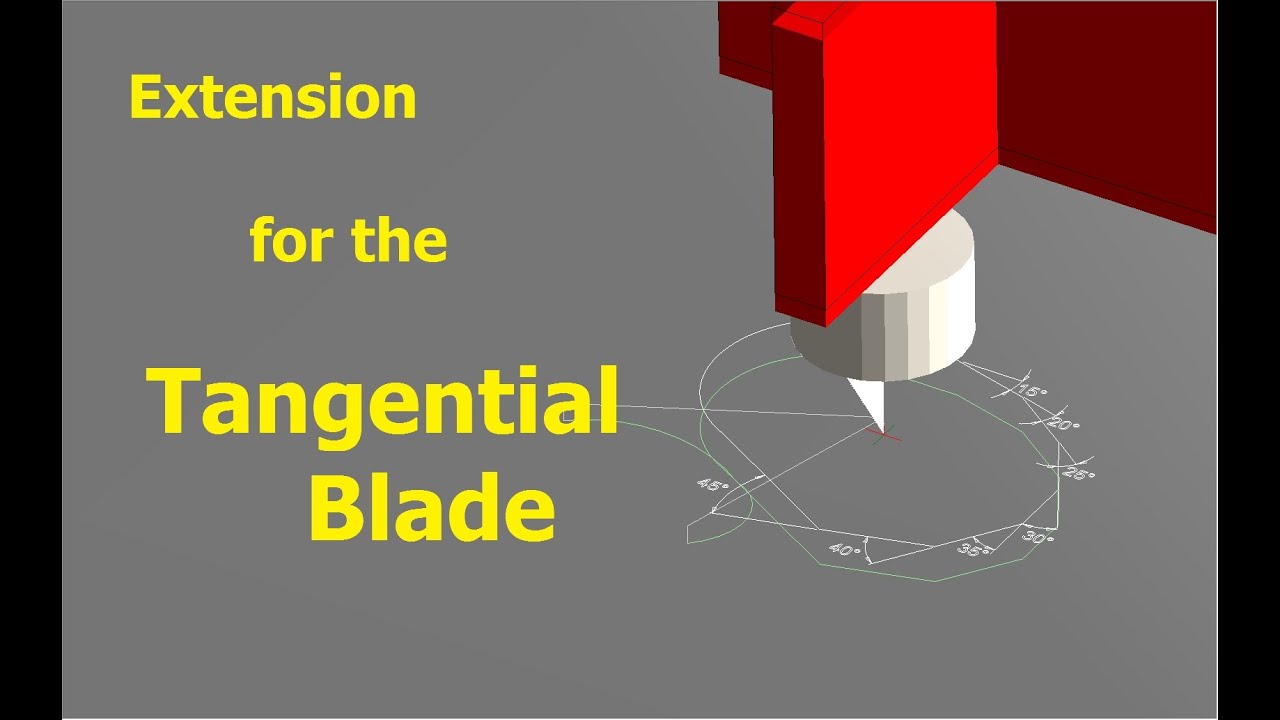
The short video is the attempt to reduce the traffic jam a little. It deals with some improvements in the area “Tangential Blade”.
Lately I just haven’t had the time to document the program changes I’ve made.
Especially the Youtube videos often consume a lot of time. Even if you don’t always see it that way
The problem is that it is very difficult to divide this work over several days, and thus always a large amount of time is needed at a stretch.
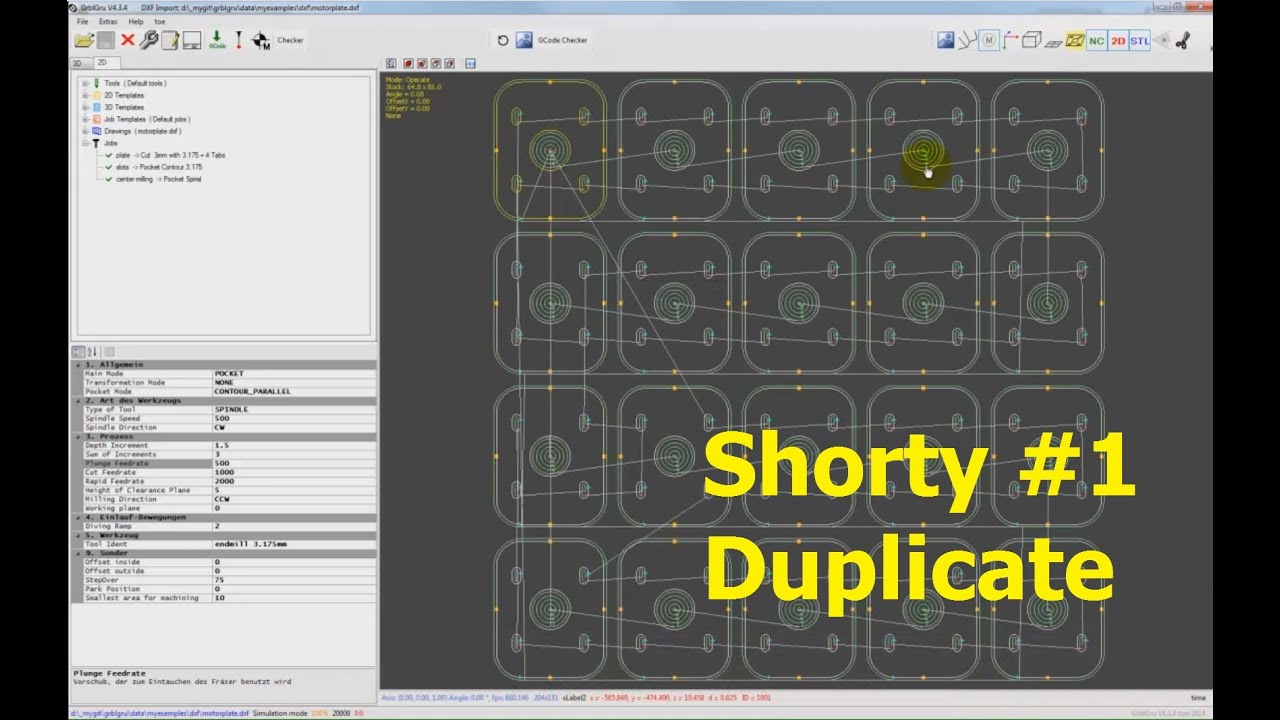
Therefore I would like to try in the future once whether it is better to make shorter videos, which deal then however only with one function, method etc… Today I want to start with the duplicate function. A function that allows you to duplicate a calculated project.
The video is only about 4 minutes long.
I have a very long learning curve and a very short attention span. I get a lot from short videos and much appreciate your fine work. I’ll watch this again. Thanks!
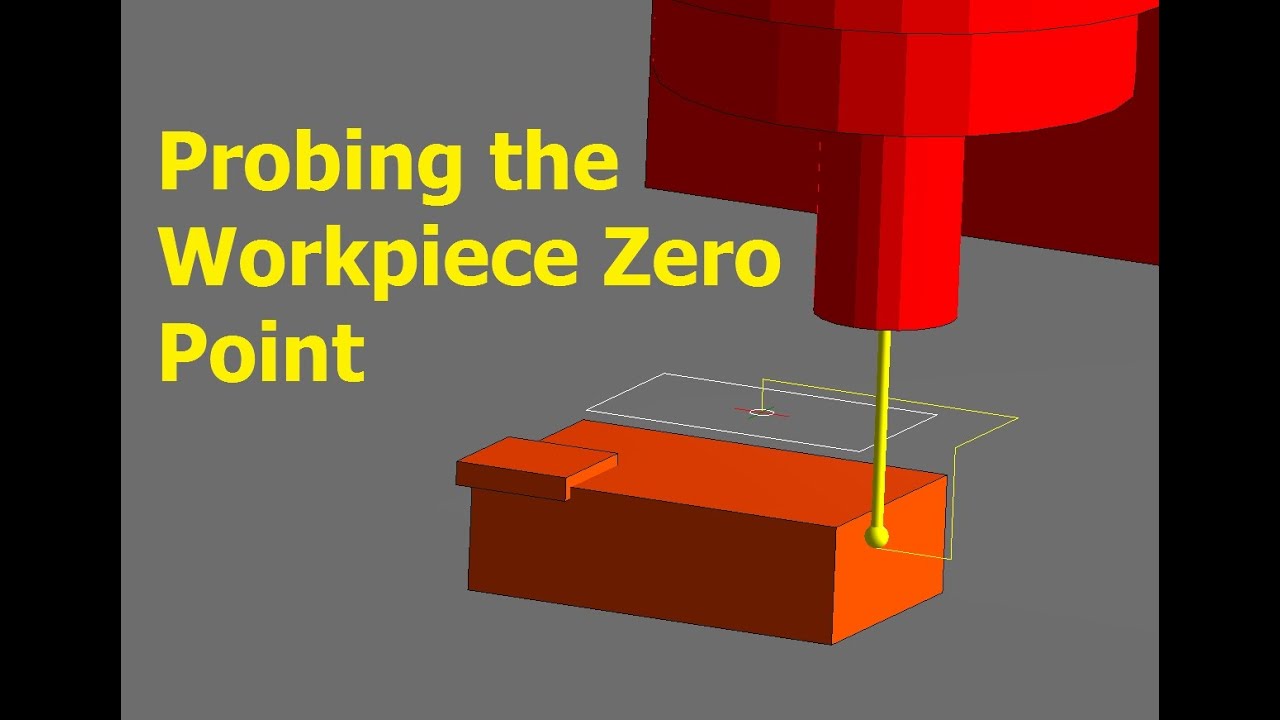
The currently available measuring methods were perhaps a bit tricky. I have finally got around to revising them again, and I hope to have put everything into a more user-friendly form. The new functions are available from version V4.5.12.
It is possible to measure with a 3D probe as well as electrically via a touch plate.
I will try to document the operation in 2-3 short videos. I would like to start today with probing a workpiece surface with a 3D probe to set the workpiece zero point.
once again I would like to give you a short overview of the latest developments on the programme.
This time I have been working on the production of wings for aircraft modelling.
I confess that I don’t really know anything about this and therefore depend on tips and suggestions for improvement from the modellers among you.
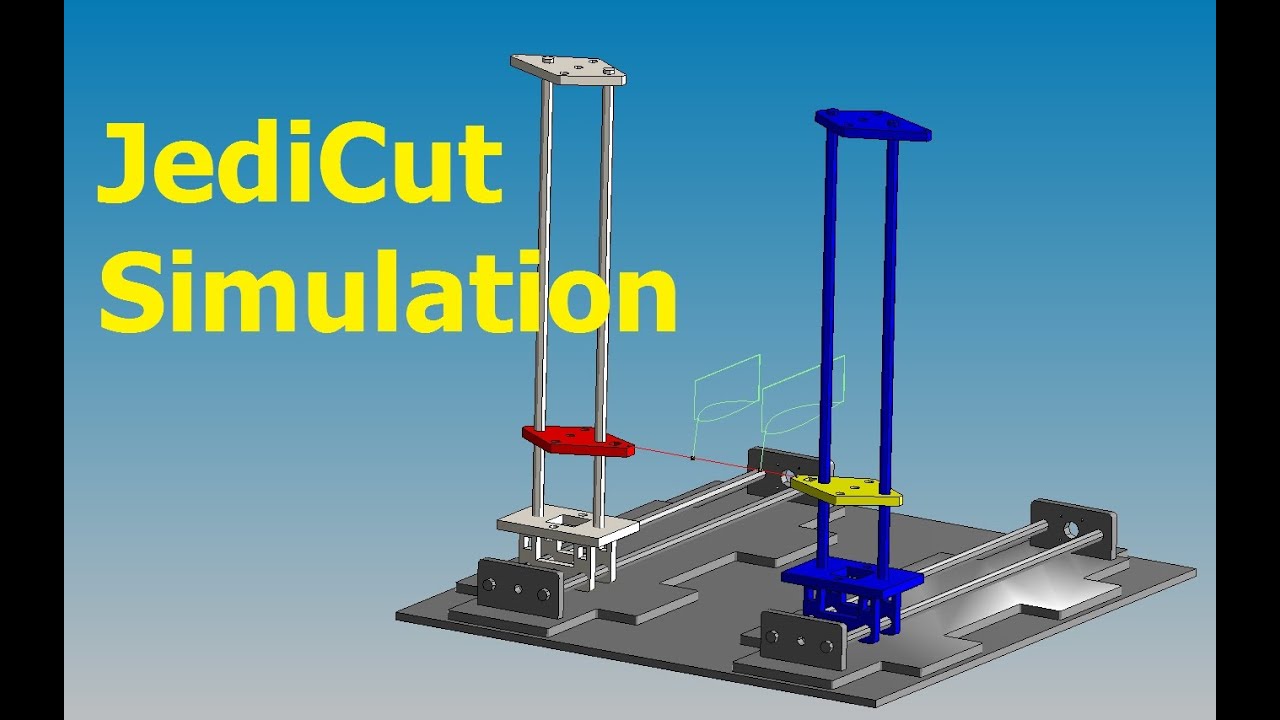
In the short video I show how to simulate the GCode of the program JediCut in GrblGru.
But I have also made a “WingCreator” with which you can construct wings yourself. I would like to tell you more about this in the next video.
I have a question for you about this. I have a 4 axis hot wire foam cutter, but one of the axis’s is a rotary. (X1 and X2 are attached across the top) any possibility of using grblgru to cut 3d .stl files using this along with the rotary to get to additional sides of the material? so far I’ve found only one software that can really do what I want and it’s very expensive!!! Currently I’m limited to 2D & Symmetrical 3d models using the rotary.
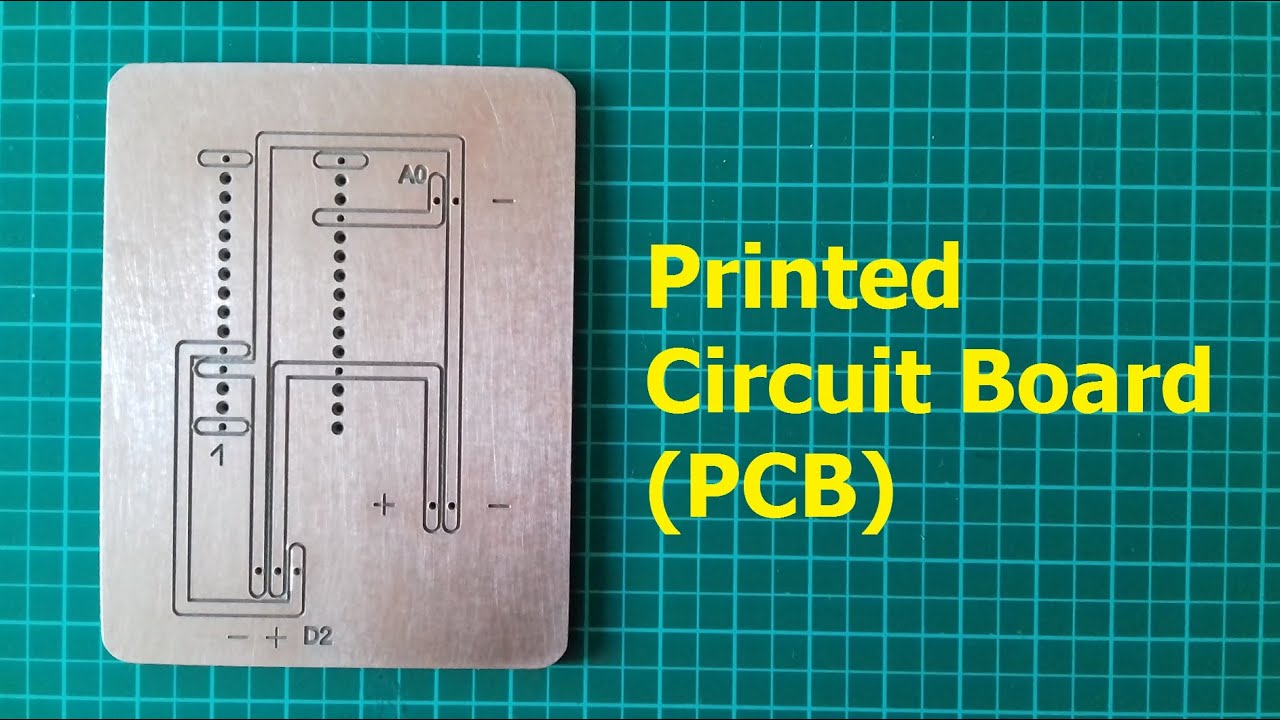
I would like to present you again a little program extension in the new version V4.8, which I found very practical. It is the possibility to create simple PCB layouts.
Sure, there are already several very good programs that do this, and some of them are even free.
But if you only want to create a small board for a power supply or an Arduino interface from time to time, the effort to learn these programs is quite deterrent.
For me personally there is also the fact that I have forgotten the laboriously learned after a few months with the next board again.
So I had the idea to create the layout with tools I use all the time, in this case any DXF editor.
The layout created with GrblGru can also be saved as DXF and loaded into any other program.
By the way, the small circuit is an automatic follow-up control for a dust extraction. I would like to report about this in detail soon.
In the short video all necessary actions are shown step by step.
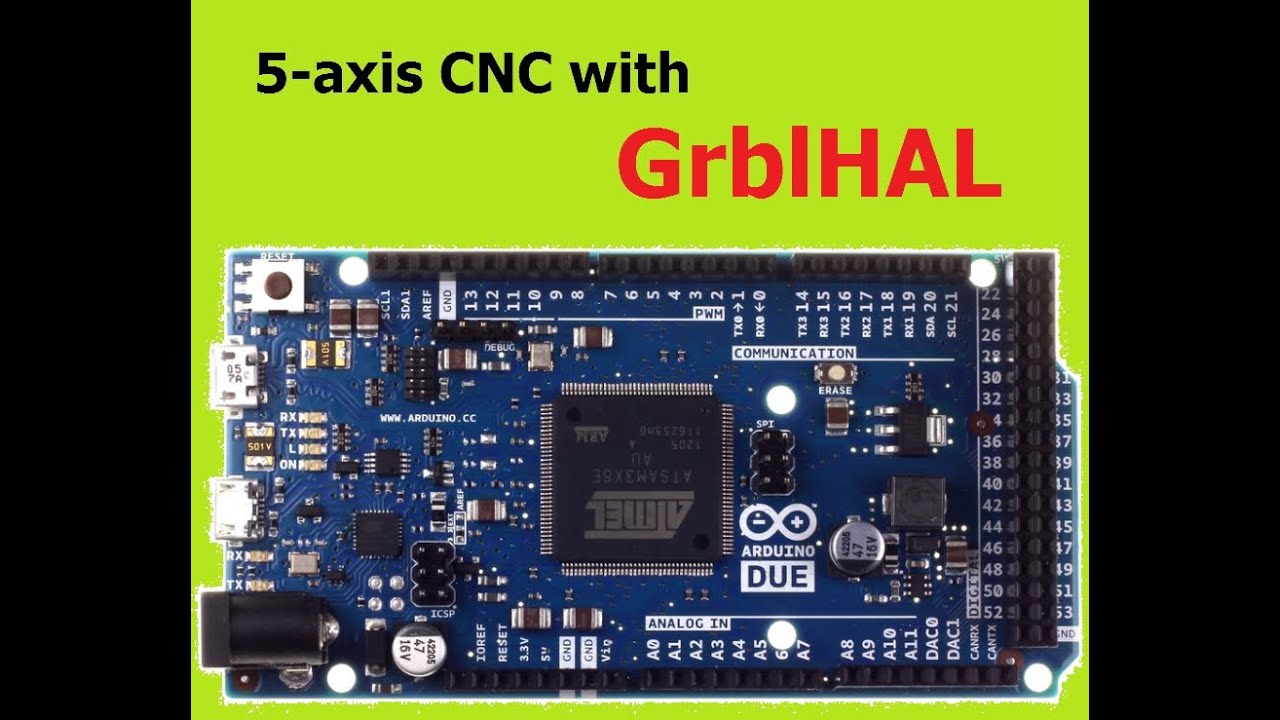
I am happy to present you today a new controller system in GrblGru.
GrblHAL is a further development of the original GRBL.
The special feature is a separation of the actual program from the hardware.
This allows an easier porting also on 32-bit hardware platforms.
The developer Terje Io has furthermore created a really impressive complete system around GrblHAL,
that e.g. also provides a parameter controlled web download of the current bin file.
GrblHAL offers a number of interesting features for the mill, such as a tool change system or the use of cubic splines. But also for the lathe there are extensions like a backlash compensation or the radius mode.
Here is the link to more detailed information: Home · grblHAL/core Wiki · GitHub.
I have now implemented the corresponding interface, so that you can run first tests with GrblGru.
In this context I would like to point out the possibility of the extended macro creation.
With it all new G- and M-codes can be tried out now.
On hardware I was able to put a 32-bit Arduino DUE into operation.
The short video shows the necessary steps from downloading the bin file to flashing and then starting it in GrblGru.
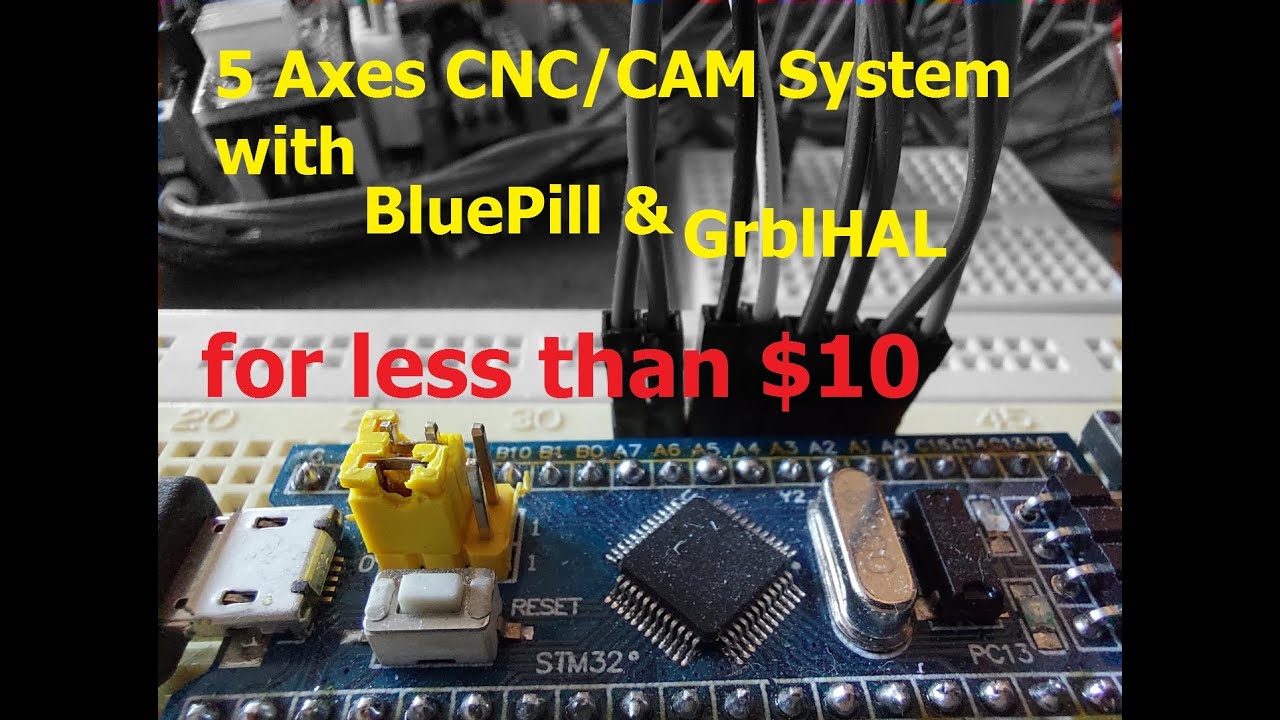
after I presented the programming of the Arduino DUE for GrblHAL last time, today I want to follow up with the programming for the STM32.
The STM32, also known as BluePill, is often available for less than $10, GrblHAL and GrblGru are free.
Considering that you get a 32 bit system for 5-axis for that, that’s not bad, is it ?
On suggestion of users I started to create a list, in which I write down a few key points to the changes of the respective version.
This list “Release notes” is available on my website from now on, so that you can check at any time if an update is worthwhile for your specific application.
The current changes of version V5.0.9 mostly concern the lathe operation. I will report on this separately at a later date.
Hello - I am running GRBL 1.1f with GrblGru 5.1 and have just connected a 3D probe. In the probe dialogue, the machine moves correctly and then stops when the probe is activated, but then nothing happens… after about 30 sec, GrblGru pops up a window “An error occured during measurement”. No retracting the probe, no setting of the zero position. Any idea what the problem is?
(I checked with an older GrblGru version, 4.x with the old probe dialoge - there it retracts at least but does not set the zero position)