We use cookies to personalize content, interact with our analytics companies, advertising networks and cooperatives, and demographic companies, provide social media features, and to analyze our traffic. Our social media, advertising and analytics partners may combine it with other information that you’ve provided to them or that they’ve collected from your use of their services. Learn more.
@LesRead
Because the on and off signals of the spindle should be hardware linked for safety reasons and I am only connected to the controller via USB, I do not have separate switches for this.
But for the automatic there is the switch “Generate spindle/laser/plasma ON commands” in the settings. If this is activated, M3, M4 and M5 and the Sxxx command for the spindle are generated in GCode. However, you should definitely add an additional hardware lock.
Let me know if you have any further questions. You are welcome.
Please have a look at the macro programming. First you have to activate the macro bar in the settings. You can easily create a macro button. In the macro you can use the Sxxx command to output a PWM signal and you can also program M-commands. See the possibilities your controller offers.
2 Macro examples:
[Spindle ON]
S500
M3
[Spindle OFF]
S0
M5
More information about macro programming in the manual on my website from page 80
Maybe the video is also helpful
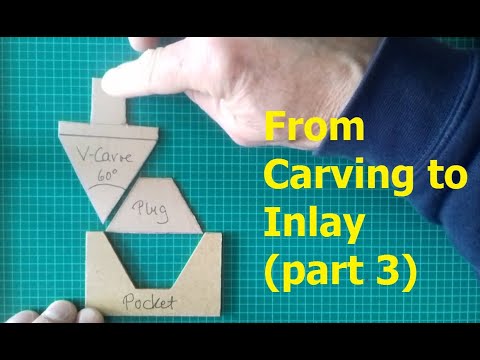
I finally managed to finish the 3rd video on how to make inlays.
At the same time I also uploaded a new release version V3.50 to my WebSite.
The video has become longer than usual.
This is because I also tried to tell a little bit about the background and possible problems.
In most internet examples about inlays, only very simple geometries are shown.
There everything always works at the push of a button. In ‘my’ reality, however, these examples never occur.
I hope by providing the necessary function and the corresponding explanations to put you in a position
to determine the necessary steps by yourselves and thus to tackle more demanding projects.
Of course this is a bit more work for the user, but it is also more fun.
Suggestions and also criticism are as always welcome.
Just a short info. There is a new beta version v3.50.3 on my website.
In lathe mode, when loading DXF files, the job template whose name starts with a ‘#’ is now automatically started. I hope this makes turning geometry from DXF files even easier.
I am especially happy about a new french translation from user “LETARTARE”. On name of all french speaking users a big thank you.
Hi GrblGru,
First of all, nice job! I’ve been using GrblGru on my projects. So I’ve been using Non Y machine and I’ve upgraded from GrblGru 3.38 to 3.50.
In 3.38 version Non Y machine works very well but when I tried to run the same profile in 3.5 version Non Y machine, the axis get out of machine limits and tool as well. Could you please check Non Y machine on GrblGru latest version?
Thank you very much for the information. Something must have gone wrong. I’ll have to take a closer look. I don’t have much time at the moment, but I’ll get back to you when I find something.
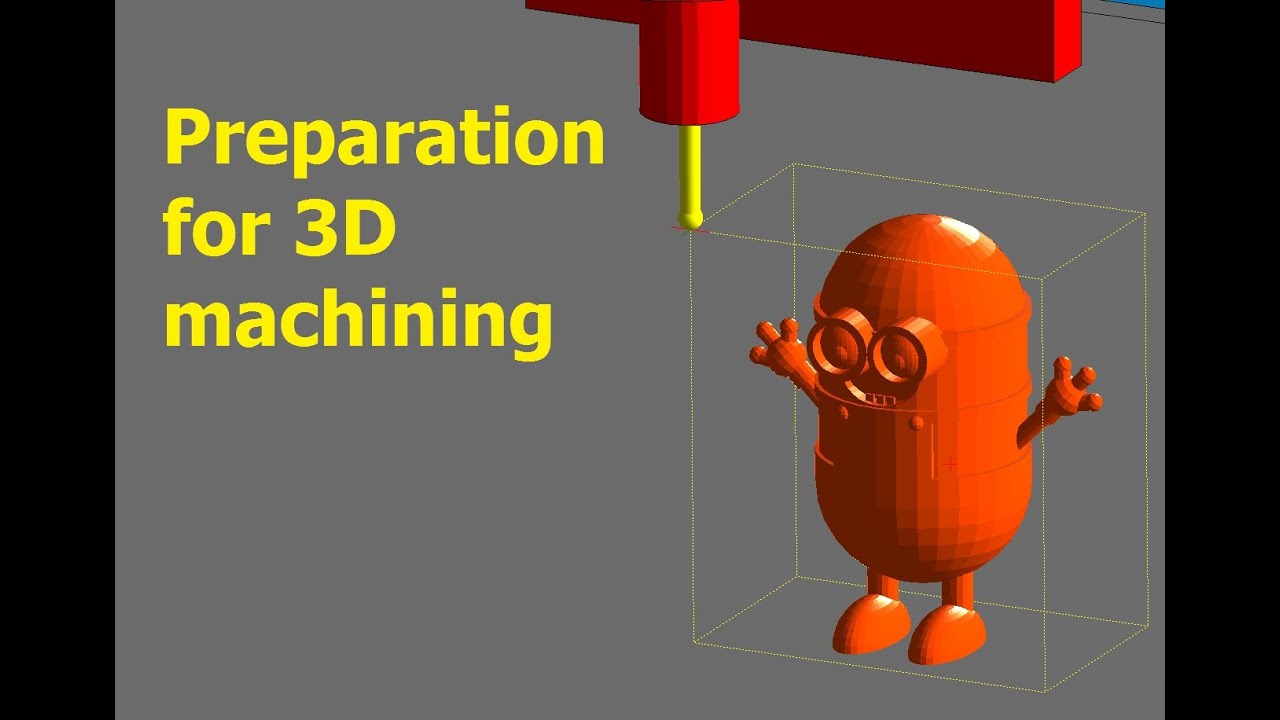
so far, apart from projections on uneven surfaces, it was only possible to perform 2D operations with GrblGru. But since I would like to deal with milling 3D objects in the future, I have changed some things in the program. For example, some functions that were originally accessible via toolbar buttons can now be found in the right-mouse context menu.
In the attached video I tried to describe the basic structure of the program and its handling.
Hi TOE. Thank you for grblgru! I love it so much. But could you fix a bug in a lathe mod. Finish cut direction is always from right to left. Regardless direction selected in job settings. I can set rough direction, but finish is always right to left. It is very usefull for my lathe. So it is very sad (
Could you fix that?
I have checked v4.1.1 with a hope, but finish cut direction is still left.
I cant ask you to hurry up with this one. I m sure you have more significant things to do for you. Anyway I want to thank you for your work.
I have a question. Is there any way to change jog line sending by grblgru? I cant jog my machine with grblgru GUI buttons. I have soft limits ON on my lathe. Max XZ travel set to 150mm. But jog line is g1 g90 f2000 z3000. GRBL reject this line because z3000 is in absolute distance and it is away of max limit 150.
Can I change it to G91 incremental distances? Will it solve the problem? Or any other way to solve it?
In the new beta version V4.1.6 there is now also the possibility to move from left to right in the finishing pass.
I haven’t had time to test it practically yet. Let me know if it is ok for you.
Maybe the new function “Final Rough Path” is also interesting for you.
The jog mode I want to look at the machine. I’ll get back to you here.
Thank you so much! I appreciate it.
Direction change looks working good.
But something strange with Final Rough Path. It cuts too deep. Look at the pictures.
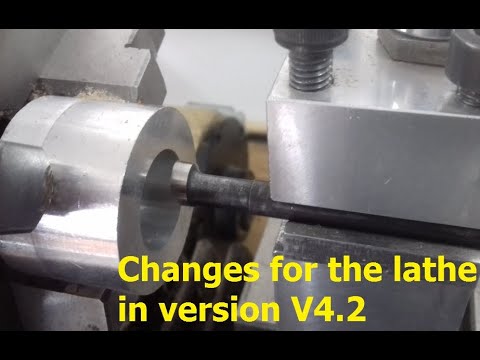
once again there is a new GrblGru version V4.2. This time most of the changes have been made for the lathe operation. In the video I tried to describe the most important changes.
GrblGru 4.2.0
Working on a small game board. Original file drawn in LibreCad. Imported into InkScape.
Lettering added. Saved as Plain SVG. Imported into GrblGru 4.2.0.
Tool path is “engraving”.
There are six figure 8-ish figures.
As can be seen. everything is cut except the two lower lobes of the figure 8-ish items.